
What to verify
- A searchable PDF is not automatically an editable PDF.
- Daily OCR page limits can exclude an otherwise suitable free edition.
- Language, scan quality and layout influence the outcome; a single test has a limited scope.
PDF24 and Sejda: what was searchable after OCR?
Both online tools returned a downloaded PDF with extractable text and matches for three test strings. The extracted symbol rows differed from the source. Proofreading was still needed.
One clean, single-page English fixture; one Browser run per tool. No accuracy percentage, overall winner, editable-document result, desktop result or tested exact match is established.
Same source pixels, different input formats
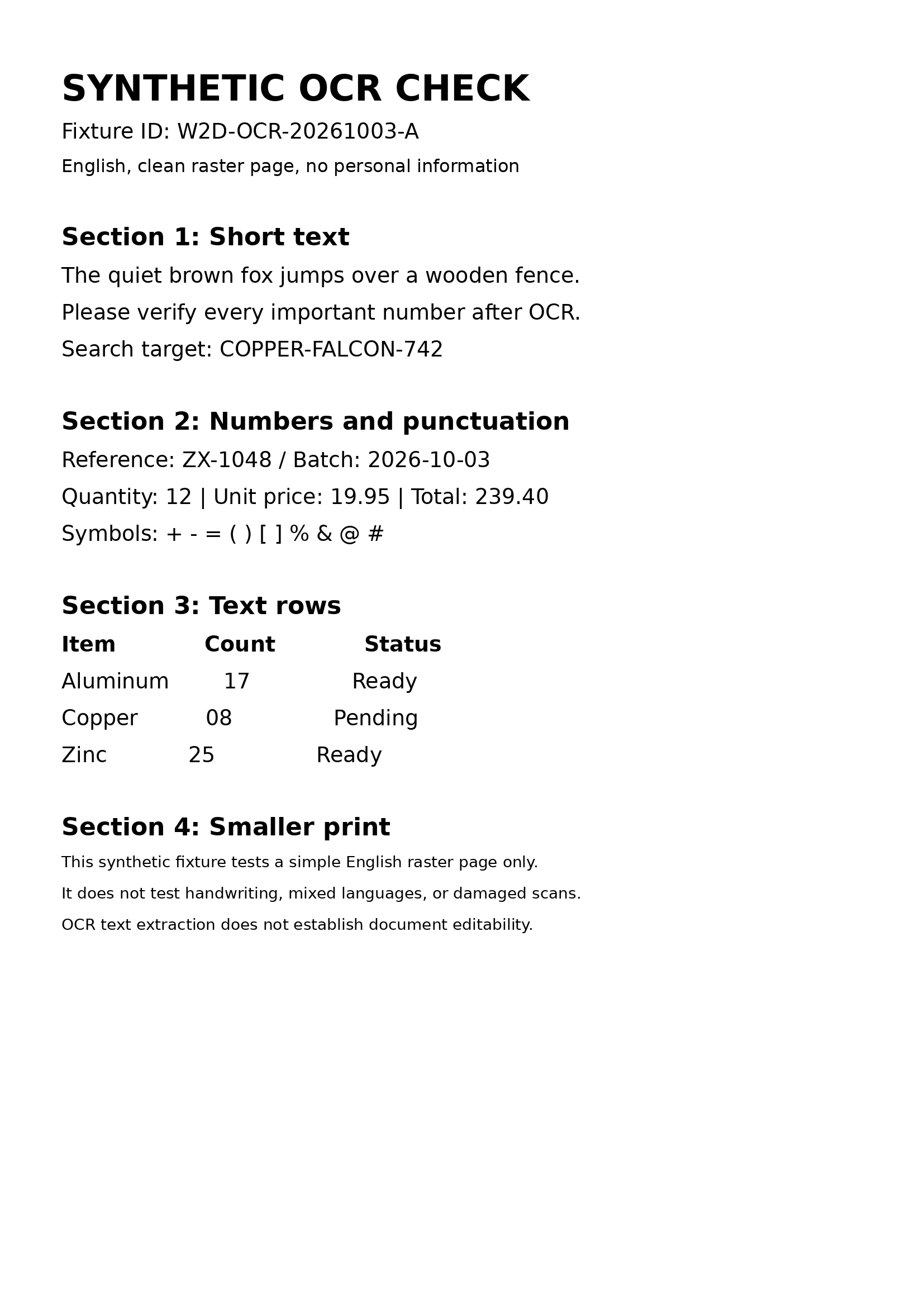
PDF24 received the original PNG. Sejda received an image-only PDF containing the exact same decoded RGB pixels. The PDF input had no extractable text and none of the three search markers before OCR. PNG and PDF wrappers can affect processing and page sizing, so these runs are a small workflow comparison, not a controlled accuracy benchmark.
The synthetic page is 1654 × 2339 pixels at 200 dpi. It contains invented English text, numbers, punctuation, simple text rows and smaller print. No personal or customer document was used.
Download source PNGDownload image-only PDFDownload known source textInspect same-pixel validation
| Check | PDF24 Online OCR | Sejda Online OCR |
|---|---|---|
| Actual input | Original PNG uploaded directly to PDF24 Online OCR. | Image-only PDF containing the exact same source pixels uploaded to Sejda Online OCR. |
| Recorded settings | English; PDF output; remove background, rotate, deskew, clean, force OCR and combine files unchecked. | English; both PDF and Text outputs; recognize text on all pages. |
| Downloaded result | One-page PDF, 162,493 bytes. | ZIP containing a one-page PDF (170,792 bytes) and text file (743 bytes). |
| Search checks | The saved PDF matched COPPER-FALCON-742, ZX-1048, 239.40 in local text-layer searches. | The saved PDF matched COPPER-FALCON-742, ZX-1048, 239.40 in local text-layer searches. |
| Extracted symbol row | Symbols: +-=()[]1%*&@# | Symbols: +-=()[]*%*& @# |
Original symbol row: Symbols: + - = ( ) [ ] % & @ #. These are exact Poppler extraction examples; spacing depends on the extraction method. Neither example establishes an overall error rate.
PDF24 Online OCR: saved output and evidence
This is the Online OCR tool only. No PDF24 Creator, offline or existing-text editing outcome is established.
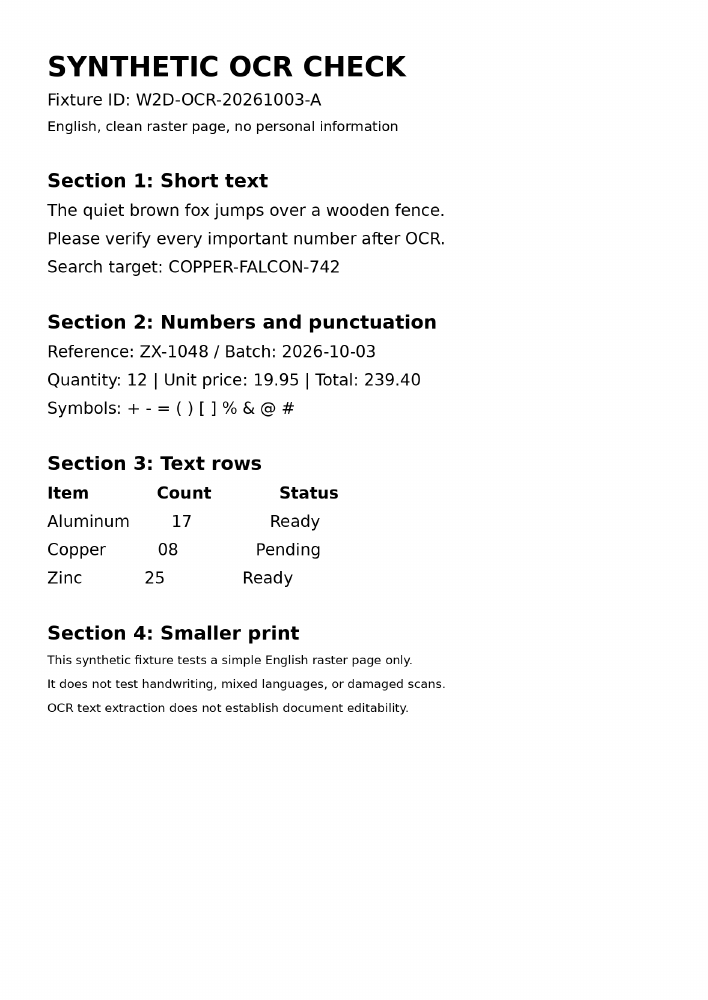
Download original OCR PDFDownload extracted PDF textView actual completion screenSee the exact online record
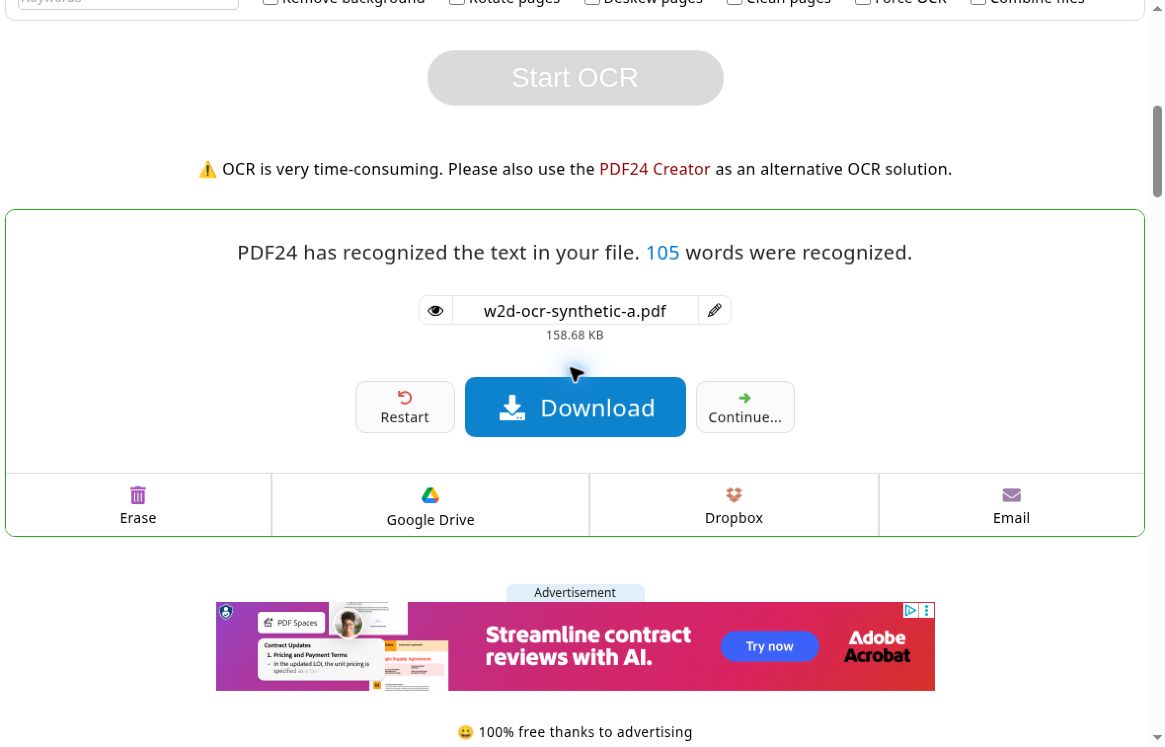
Sejda Online OCR: saved output and evidence
This is Sejda’s separate online OCR tool, not an existing-text edit in its PDF editor. No Sejda Desktop or editor-fidelity outcome is established.
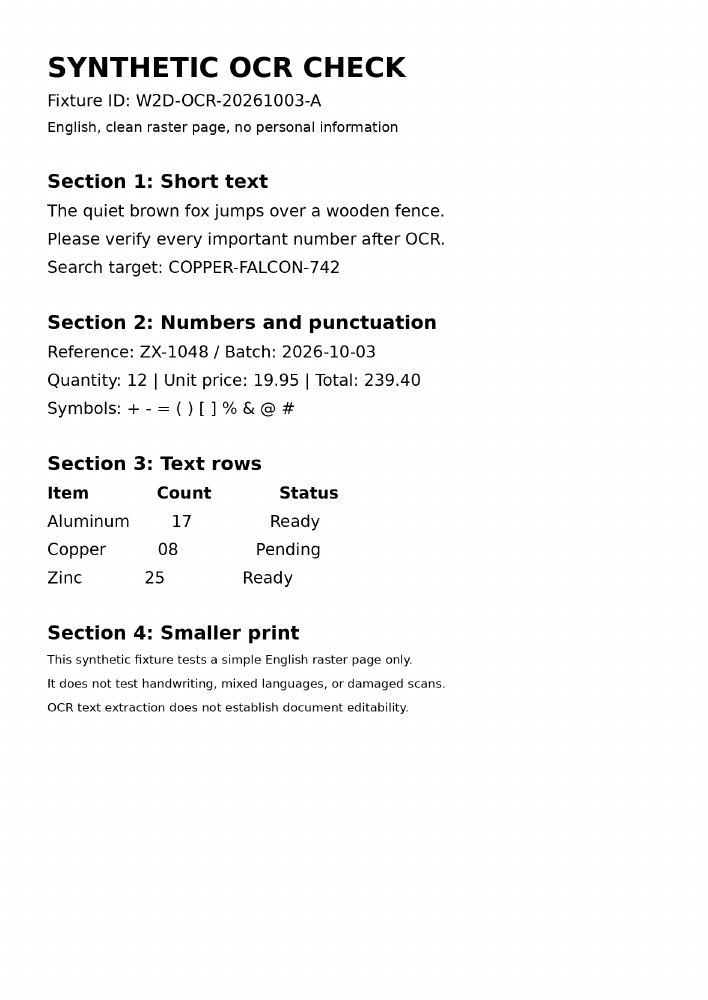
Download original OCR PDFDownload extracted PDF textDownload Sejda’s original text outputDownload Sejda’s original ZIPView actual completion screenSee the exact online record

Method, dates and limitations
Tested 3 October 2026 in a remote Chrome Browser session. Vendor web build numbers, OS build and hardware were not independently established. We rendered the PDFs with Poppler, extracted text with Poppler, PyMuPDF and pypdf, and recorded PyMuPDF search rectangles for each marker. The source and output hashes identify the actual files.
No handwriting, mixed languages, real damaged scans, batches or difficult layouts were tested. This does not measure speed, reliability, privacy, server deletion, accessibility, long-term free limits or editing quality. The full OCR fixture protocol and existing-text editing task remain uncompleted by this limited check.
Read the public test recordDownload SHA-256 artifact manifestInspect extraction and search resultsRead the downloadable report
Exact tools used on 3 October 2026: PDF24 Online OCR and Sejda Online OCR. These run dates do not refresh the catalog’s vendor-source review dates.
Published fixture outcomes
Every relevant edition is shown. “Not run” is an empty evidence slot, not a failure or a vendor feature tick. Paid-edition hands-on tests are not part of the current test program.
Get the fixtures and test steps| Exact edition | Read scanned text (OCR)ocr-scan-v1 | Edit existing textpdf-layout-v1 |
|---|---|---|
| ABBYY FineReader PDF Standard annual · WindowsWindows | Not runNo published original outcome. | Not runNo published original outcome. |
| Adobe Acrobat Pro · individual annual, billed monthlyWindows, macOS | Not runNo published original outcome. | Not runNo published original outcome. |
| Adobe Acrobat Reader · desktopWindows, macOS | Not runNo published original outcome. | Not runVendor documents this feature as unavailable. No original test implied. |
| Adobe Acrobat Standard · individual annual, billed monthlyWindows, macOS | Not runVendor documents this feature as unavailable. No original test implied. | Not runNo published original outcome. |
| Apple Preview Included with macOSmacOS | Not runNo published original outcome. | Not runNo published original outcome. |
| Foxit PDF Editor PDF Editor 14 PerpetualWindows, macOS | Not runNo published original outcome. | Not runNo published original outcome. |
| iLovePDF Premium annual · web workflowBrowser | Not runNo published original outcome. | Not runNo published original outcome. |
| LibreOffice Draw DesktopWindows, macOS, Linux | Not runNo published original outcome. | Not runNo published original outcome. |
| Microsoft Edge Built-in PDF reader · desktopWindows, macOS | Not runNo published original outcome. | Not runNo published original outcome. |
| Nitro PDF Standard · Windows subscriptionWindows | Not runNo published original outcome. | Not runNo published original outcome. |
| Okular DesktopLinux, Windows | Not runNo published original outcome. | Not runNo published original outcome. |
| PDF24 CreatorWindows | Not runNo published original outcome. | Not runVendor documents this feature as unavailable. No original test implied. |
| PDF24 Online ToolsBrowser | Not runNo published original outcome. | Not runVendor documents this feature as unavailable. No original test implied. |
| PDF Expert Mac Premium AnnualmacOS | Not runNo published original outcome. | Not runNo published original outcome. |
| PDFgear macOSmacOS | Not runNo published original outcome. | Not runNo published original outcome. |
| PDFgear WindowsWindows | Not runNo published original outcome. | Not runNo published original outcome. |
| PDF-XChange EditorWindows | Not runNo published original outcome. | Not runNo published original outcome. |
| PDF-XChange Editor PlusWindows | Not runNo published original outcome. | Not runNo published original outcome. |
| Sejda PDF Desktop FreeWindows, macOS, Linux | Not runNo published original outcome. | Not runNo published original outcome. |
| Sejda PDF Desktop + Web AnnualWindows, macOS, Linux | Not runNo published original outcome. | Not runNo published original outcome. |
| Sejda PDF Online Free · browserBrowser | Not runVendor documents this feature as unavailable. No original test implied. | Not runNo published original outcome. |
| Smallpdf Pro annual · web workflowBrowser | Not runNo published original outcome. | Not runNo published original outcome. |
| Stirling PDF Free individual · self-hostedBrowser | Not runNo published original outcome. | Not runNo published original outcome. |
Showing PDF editors for Windows2 must-haves · Any payment typeChange device
Let’s check your requirements.
0 tested matches · 13 candidates need verification. Unknown features never count as a yes.
Nitro PDF
Standard · Windows subscriptionNitro’s current Standard plan documents PDF editing, page combination, annotation and batch OCR.
- Read scanned text (OCR)
- Edit existing text
- Merge & organize pages
Standard is an annual subscription. Classic is a separate three-year license and Plus has different enterprise controls. The displayed price is an observed EUR storefront quote; billing country and final tax must be checked at checkout.
Read scanned text (OCR): vendor documented; task test pending for Windows
Vendor sources · independent tests pendingLibreOffice Draw
DesktopAn open-source drawing workflow with PDF form export and a documented redacted-export process.
- Create fillable forms
Use the dedicated Redacted Export command for final output. Existing PDF layout fidelity and permanent removal have not been tested.
Read scanned text (OCR) needs verification
Vendor sources · independent tests pendingMicrosoft Edge
Built-in PDF reader · desktopThe browser’s built-in PDF reader can open local documents, add annotations and fill supported forms.
- Annotate & sign
XFA forms are unsupported. Ink and added text do not establish editing of an existing PDF paragraph or creation of interactive fields.
Read scanned text (OCR) needs verification
Vendor sources · independent tests pending10 editions ruled out · see why
Adobe Acrobat Reader · desktop: Edit existing text is unavailable.
Apple Preview Included with macOS: Windows is not supported by this edition.
PDF24 Creator: Edit existing text is unavailable.
PDF24 Online Tools: Edit existing text is unavailable.
PDFgear macOS: Windows is not supported by this edition.
Sejda PDF Desktop Free: Read scanned text (OCR) has a limitation.
Sejda PDF Online Free · browser: Read scanned text (OCR) is unavailable.
PDF Expert Mac Premium Annual: Windows is not supported by this edition.
Adobe Acrobat Standard · individual annual, billed monthly: Read scanned text (OCR) is unavailable.
Stirling PDF Free individual · self-hosted: Edit existing text has a limitation.
Check the output, not just the OCR button
Use two acceptance checks
First compare the extracted text with the scan: names, numbers and layout can expose recognition errors. Then change an existing sentence, save and reopen the PDF. A searchable output that cannot preserve the edits you need does not meet an OCR-plus-editing requirement.
Choose a representative sample
Use a non-sensitive page with the scan quality, language and layout you normally receive. Record page-count limits and the exact edition used. A successful test on one clean English page does not establish performance for other languages or complex tables.