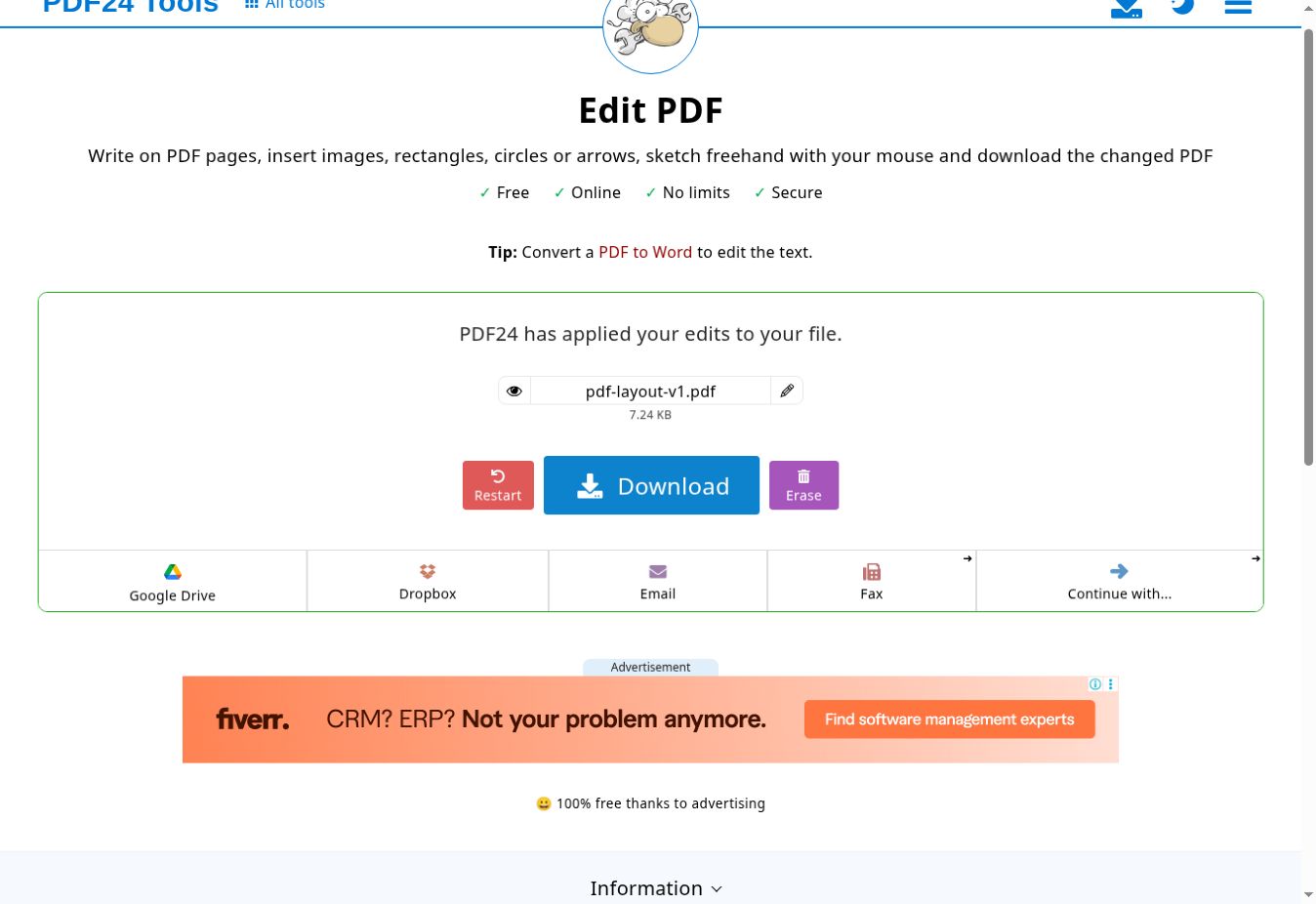
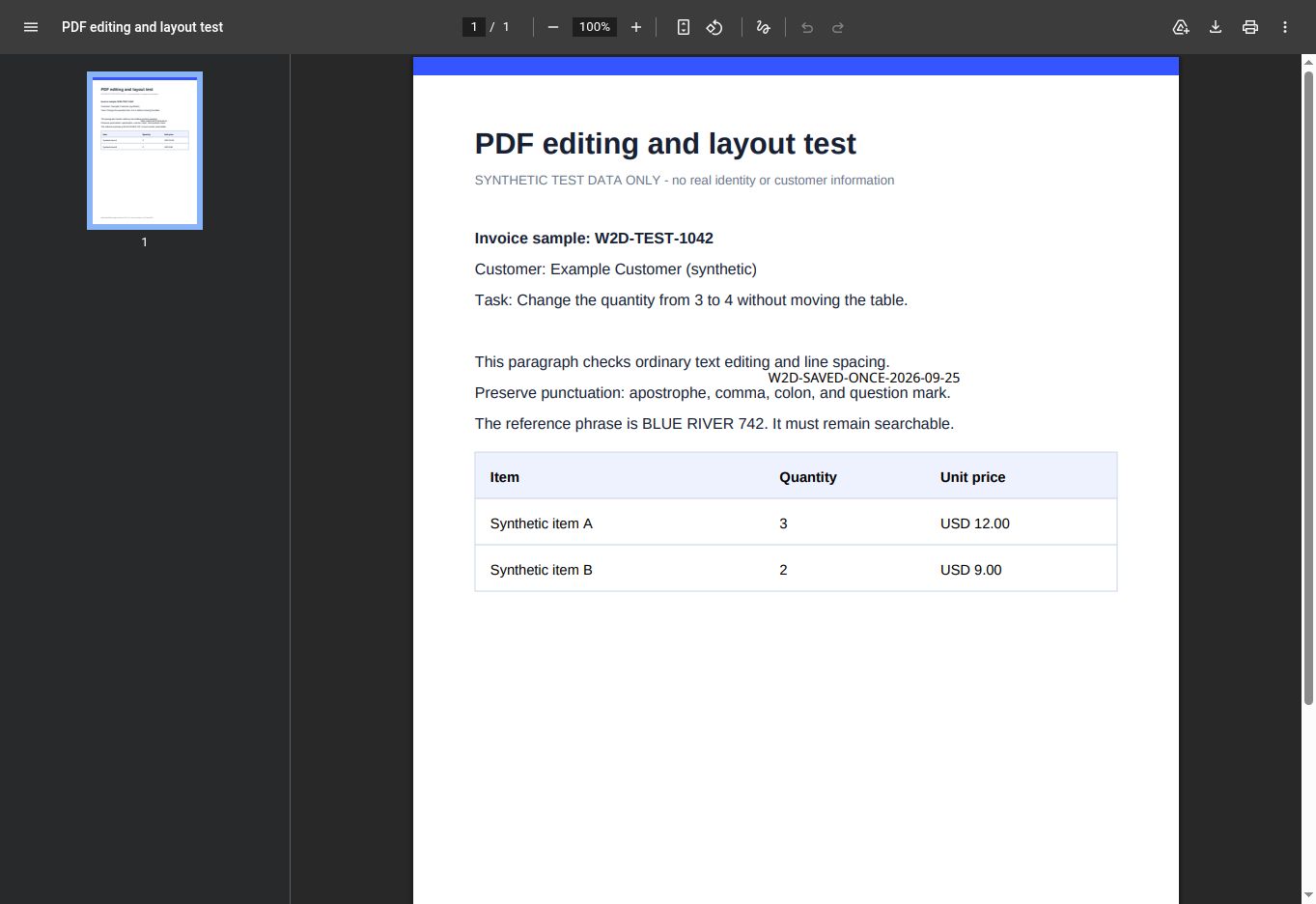
Run: 25 September 2026 · Edition: PDF24 Online Tools · Platform: remote Chrome Browser session · Vendor build: not exposed.
This is an original test of one text-overlay and download workflow, not a reliability guarantee or a test of editing existing PDF text. The fixture contains only synthetic data.
W2D-SAVED-ONCE-2026-09-25 at size 18.pdfinfo and compared it with the input.| Check | Observed |
|---|---|
| Added marker | Visible and extractable in the downloaded output. |
| Original reference phrase | BLUE RIVER 742 remained extractable. |
| Existing table value | Stayed at 3; the requested change to 4 was not made. |
| Metadata | Original title, author and creation/modification dates remained. |
| Output | One A4 page, PDF 1.6, 7,413 bytes, not encrypted, no form or JavaScript. |
Download the saved PDF · Machine-readable scope and checksums · See the PDF24 completion screen
One one-page synthetic file in one remote Browser session. We did not test mobile, autosave, crash recovery, server-deletion timing, arbitrary PDFs, forms, signatures, accessibility, PDF24 Creator for Windows or offline behavior. The official Edit PDF page distinguishes writing on a page from editing existing text and points users to PDF-to-Word for text editing.
Official documentation: PDF24 Edit PDF and PDF24 Online/Creator scope. Community question that motivated the save check: PDF24 support-community report. A user report shows a question to investigate; it is not verified product-policy or reliability evidence.